
Vision & Input
dsh-vision-router
Free, keyless eyes for text-only agents: a built-in vision chain plus eleven pixel-level tools.
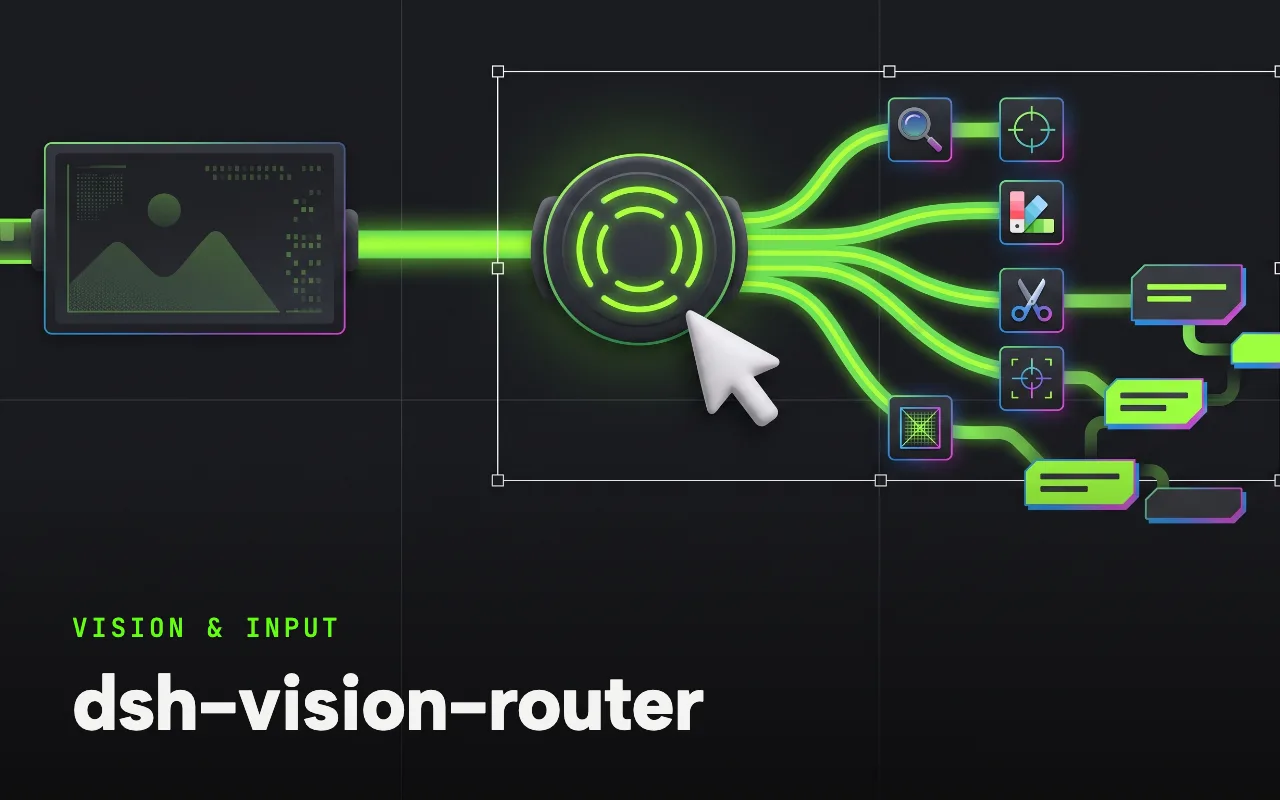
What it is
A vision router that keeps the original pixels on the vision model’s side and DeepSeek on the reasoning side. Pick a “+ Auto Vision” model group, paste an image, and the agent drives eleven pixel-level tools — grounding, crop, pixel diff, palette, OCR, SVG trace, cutout, HTML screenshots — over a free anonymous vision fallback chain with no account and no key.
Paste an image and it just works — eyes for text-only agents on DeepSeek Harness. Free out of the box, no key, no Python, one command.
Why it matters for design
- A verifiable pixel loop for UI restoration: reference → screenshot → pixel diff with a red heatmap → fix → repeat until the mismatch converges.
- Grounding and detection return original-image pixel boxes, and its README documents a rebuild verified down to a 2.54% final diff.
- Palette extraction, SVG vectorization of icons and background cutout cover the small design chores around a rebuild.
What it covers
- Why this exists
- How it compares
- Quick start
- Highlights
- Tools
- Provider fallback chain
How to install
dsh-vision-router
-
Run this in a terminal.
npx @deepseek-ai/dsh plugin --profile web add dsh-vision-router -
Restart dsh web so it picks up the plugin.
-
Then describe the design you want. The harness picks up the plugin’s tools.
How to run it with DeepSeek Harness
-
Add the plugin to your web profile; its composition patch wires everything with zero manual file edits.
-
Open the model selector and choose a group marked “+ Auto Vision” before sending images.
-
Paste a screenshot and let the agent chain vision_ground, vision_crop, vision_describe and vision_pixel_diff.
Every plugin here is free to install and links to its real upstream source.
More in the DeepSeek Harness repo ↗More DeepSeek Harness design plugins
 Vision & Input What it does modlens Gives text-only DeepSeek models plug-in vision: paste a screenshot, get structured evidence.
  Vision & Input What it does dsh-vision-toolkit Ten vision tools for UI restoration, grounding and pixel-diff verification.
  Vision & Input What it does dsh-ui-spec Turns UI screenshots into implementation-grade specs: tokens, spacing scale, layout grid.
  Vision & Input What it does dsh-media-skills Free eyes and a free paintbrush: paste-image reading plus watermark-free image generation.
 Next step
Design with OpenDesign, without the setup
Install this plugin yourself, or run a whole curated design layer around DeepSeek Harness with OpenDesign. Bring your own key, own your output.